
Visitor Check In3.0.1 - App Store
You'll be able to see results in few seconds.
Publisher Description
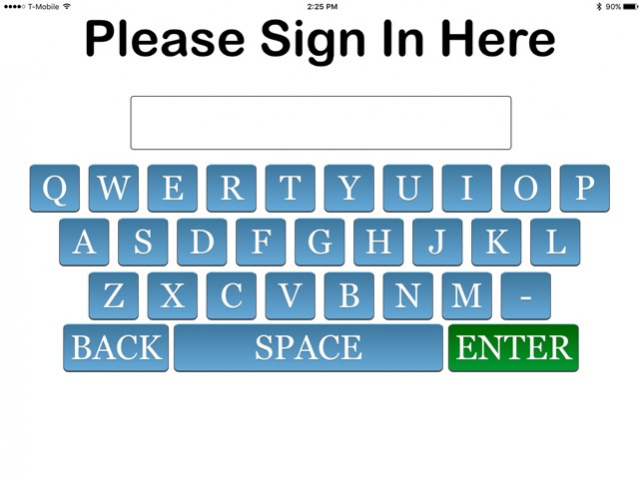
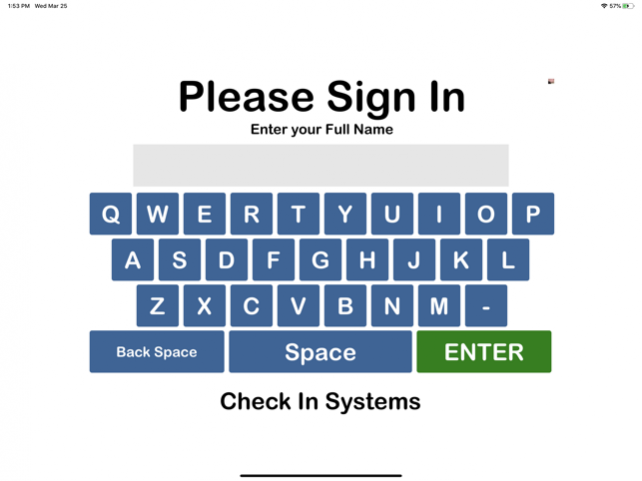
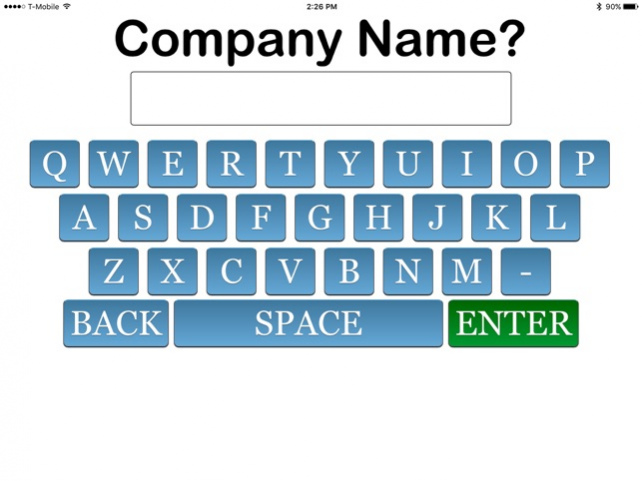

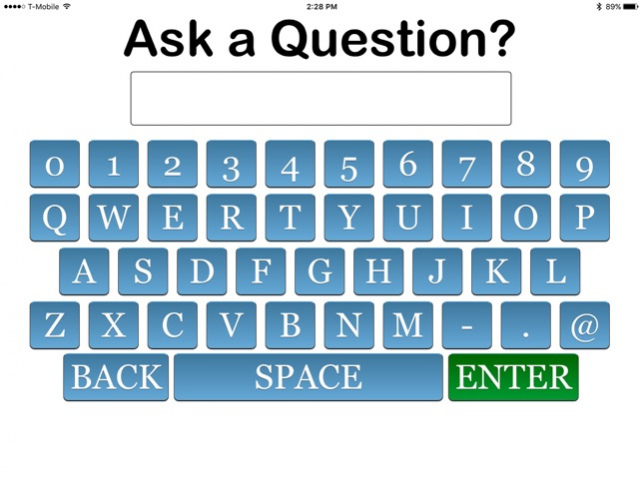
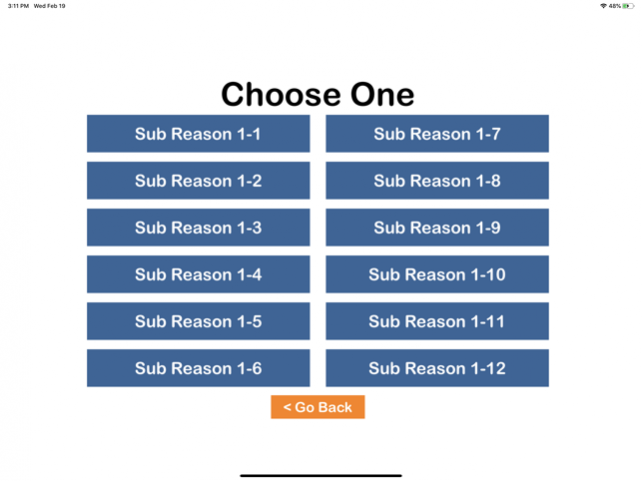
Visitor Check In is a simple replacement for the traditional paper sign in sheet for corporate offices and banking facilities. Visitors register their arrival and staff can see an organized list of people in the building.
Adding a Apple iPad to your Visitor Check In system lets your visitors sign in using a familiar touch screen. Their name, information and needs are automatically sorted and time stamped giving an organized check list for staff to work from on the office computers.
It's quick, it's easy and the most affordable queuing system available.
Easy setup. Visitor Check In can be up and running within minutes. Simply install the app, set your system id, department buttons, and choice buttons. That's it!
Collect information such as ;
-Name
-Date of Birth
-Phone
-Email Address
-Reason/SubReason for Visit
and also ask;
-up to 2 free style text questions
-up to 2 free style Yes/No questions
Since 2005, Check In Systems Inc has provided sign in solutions using touch screens. They are among the fastest and most affordable systems on the market. Other apps include Medical Check In, Student Check In, DSS Check In and Probation Check In.
Jun 18, 2020 Version 3.0.1
Simple update for this version. We allowed more characters for the Yes/No questions giving a wider range of questions that can be asked.
Same great system to gather visitor information upon arrival. Using the iPad for a kiosk, Visitor Check In can ask name, phone, email, date of birth and reason for visit along with up to 2 free text questions and up to 2 free text Yes/No questions.
About Visitor Check In
The company that develops Visitor Check In is Check In Systems Inc. The latest version released by its developer is 3.0.1.
To install Visitor Check In on your iOS device, just click the green Continue To App button above to start the installation process. The app is listed on our website since 2020-06-18 and was downloaded 0 times. We have already checked if the download link is safe, however for your own protection we recommend that you scan the downloaded app with your antivirus. Your antivirus may detect the Visitor Check In as malware if the download link is broken.
How to install Visitor Check In on your iOS device:
- Click on the Continue To App button on our website. This will redirect you to the App Store.
- Once the Visitor Check In is shown in the iTunes listing of your iOS device, you can start its download and installation. Tap on the GET button to the right of the app to start downloading it.
- If you are not logged-in the iOS appstore app, you'll be prompted for your your Apple ID and/or password.
- After Visitor Check In is downloaded, you'll see an INSTALL button to the right. Tap on it to start the actual installation of the iOS app.
- Once installation is finished you can tap on the OPEN button to start it. Its icon will also be added to your device home screen.
Program Details
System requirements
Download information
Pricing
Version History
version 3.0.1
posted on 2020-06-18
Jun 18, 2020 Version 3.0.1
Simple update for this version. We allowed more characters for the Yes/No questions giving a wider range of questions that can be asked.
Same great system to gather visitor information upon arrival. Using the iPad for a kiosk, Visitor Check In can ask name, phone, email, date of birth and reason for visit along with up to 2 free text questions and up to 2 free text Yes/No questions.
version 3.0
posted on 2020-06-04
Jun 4, 2020 Version 3.0
A complete overhaul to make everything faster!
We have moved from a web based form to a screen based IOS application. All screens are built in to make things faster and more secure.
Visitor Check In collects information and presents an organized check list of your visitors. Collect Name, phone, email, date of birth, reason for visit and ask up to 2 freestyle text questions and 2 freestyle yes/no questions. Print visitor badges, track wait times and print reports to help manage your office.
version 2.1
posted on 2017-06-26
Jun 26, 2017 Version 2.1
Visitor Check In is an add-on app allowing the use of an Apple iPad for a touch screen for the Visitor Check In System.
Our brand new platform adds features galore! The latest system gives you the same, easy to use, keyboard for visitors and customers to sign in but now you can ask for more information like company name, phone number, email address or date of birth. Visitor information is timestamped and sent to your own online dashboard. With Visitor Check In, your business can collect valuable information to recall, analyze and market to your customers.
Your system id and password will give you access to see all your sign in information in an organized display.
version 1.2
posted on 2016-03-11
version 3.0
posted on 1970-01-01
2020年6月4日 Version 3.0
A complete overhaul to make everything faster!
We have moved from a web based form to a screen based IOS application. All screens are built in to make things faster and more secure.
Visitor Check In collects information and presents an organized check list of your visitors. Collect Name, phone, email, date of birth, reason for visit and ask up to 2 freestyle text questions and 2 freestyle yes/no questions. Print visitor badges, track wait times and print reports to help manage your office.
Disclaimer
Official App Store Link
We do not host Visitor Check In on our servers. We did not scan it for viruses, adware, spyware or other type of malware. This app is hosted by Apple and passed their terms and conditions to be listed there. We recommend caution when installing it.
The App Store link for Visitor Check In is provided to you by apps112.com without any warranties, representations or guarantees of any kind, so access it at your own risk.
If you have questions regarding this particular app contact the publisher directly. For questions about the functionalities of apps112.com contact us.
